
Turn listing photos into an Instagram carousel
CarouselNote turns a property’s photos and details into an 8-slide Instagram carousel for real-estate agents. Upload up to 15 photos, add the price, rooms, a short description and your contact details, pick a look and a campaign stage, and download every slide at 1080 × 1350 in a few seconds.
Free during beta. No card needed.
How it works
- 1
Upload your photos
Up to 15 JPG, PNG or WebP photos, each under 15 MB. The first one becomes the cover.
- 2
Add the details
Address, price, bedrooms, bathrooms, square footage, lot size, the neighborhood, up to three nearby places and a description of up to 600 words.
- 3
Pick a look and a stage
Modern Minimal or Sketch Notes; Just Listed, Open House, Price Improved or Just Sold.
- 4
Download and post
Eight slides in posting order, in one ZIP. Your contact details are saved for next time.
What should a listing carousel include?
What a buyer scrolls for, in the order they ask it: where and how much, how big, what it looks like, what makes it special, what is nearby, and who to call. CarouselNote builds the eight slides in that order.
- Cover: the best photo, with the address, price and campaign label.
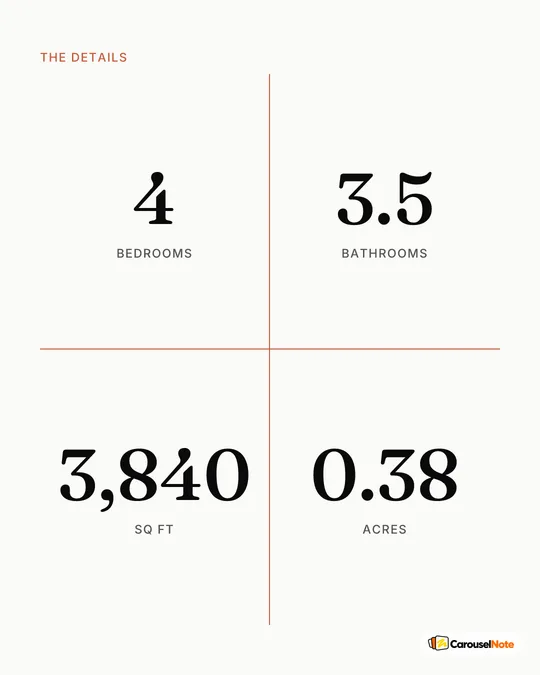
- Key stats: price, beds, baths, square footage, lot size.
- Three photo slides: the rooms that sell the home.
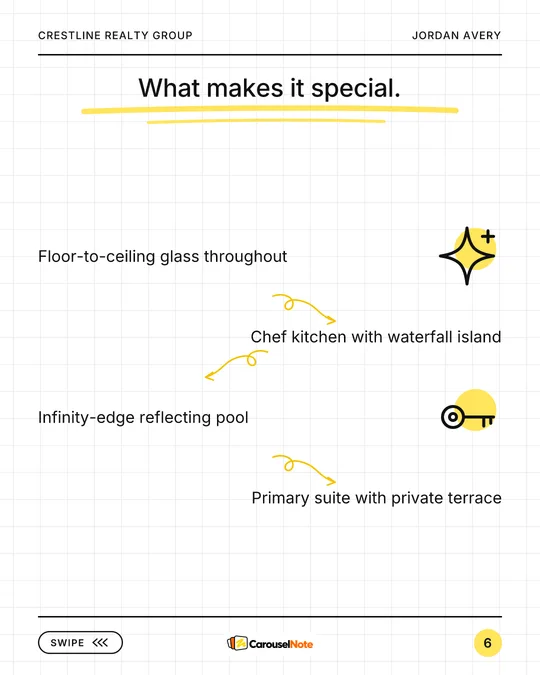
- Features: your description, one bullet per sentence.
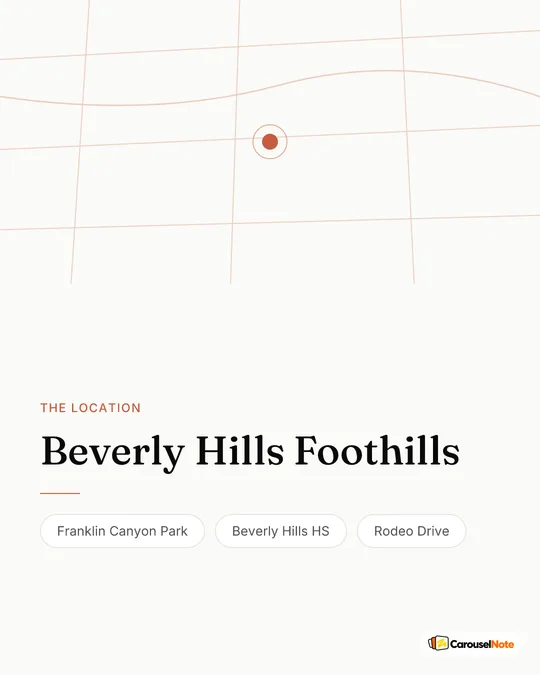
- Neighborhood: the area and up to three places nearby.
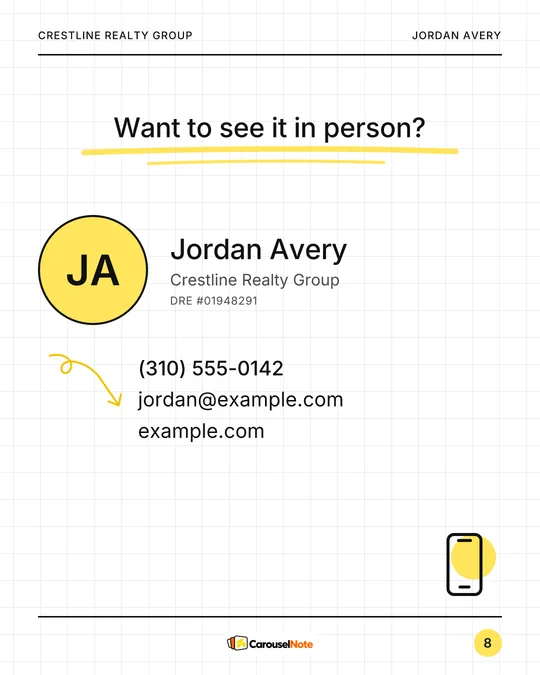
- Contact: your name, brokerage, phone, email, website and license number.
Which photos work best?
Lead with your strongest shot, usually the front exterior or the main living space, and follow with the three rooms buyers care about most. Slides are 4:5 portrait, so very wide photos lose some of their sides.
- Put the photos in the order you want them shown: the first is the cover, the next three fill the photo slides.
- Bright, level photos at least 1080 pixels wide look sharpest.
- Short on photos? With fewer than four, the photo slides reuse the ones you have instead of showing a blank frame.
Which campaign stage should I pick?
Match it to the moment. The stage changes the label on the cover; everything else comes from your details.
- Just Listed: the launch post, in the first days on the market.
- Open House: invite people to a showing.
- Price Improved: bring the home back into people’s feeds after a price change.
- Just Sold: close the loop. It also shows future sellers what you do.
Does CarouselNote write the listing description?
No. Listing carousels use only the words and numbers you enter, so nothing about the home is invented. Each sentence of your description becomes one bullet on the features slide, so write short sentences with one feature each.
Questions
How many photos can I upload?
Up to 15 per carousel, as JPG, PNG or WebP, each under 15 MB. The carousel uses four of them: the cover and three photo slides.
Can I add my brokerage and license number?
Yes. Your name, brokerage, phone, email, website and license number go on the contact slide, and they are saved for your next listing.
Can I post the same listing in both styles?
Yes. Generate it once in Modern Minimal and once in Sketch Notes from the same details, and post whichever fits your feed.
Is it free?
Yes, while CarouselNote is in beta: up to 15 carousels a day, no card needed.